Edit in layers
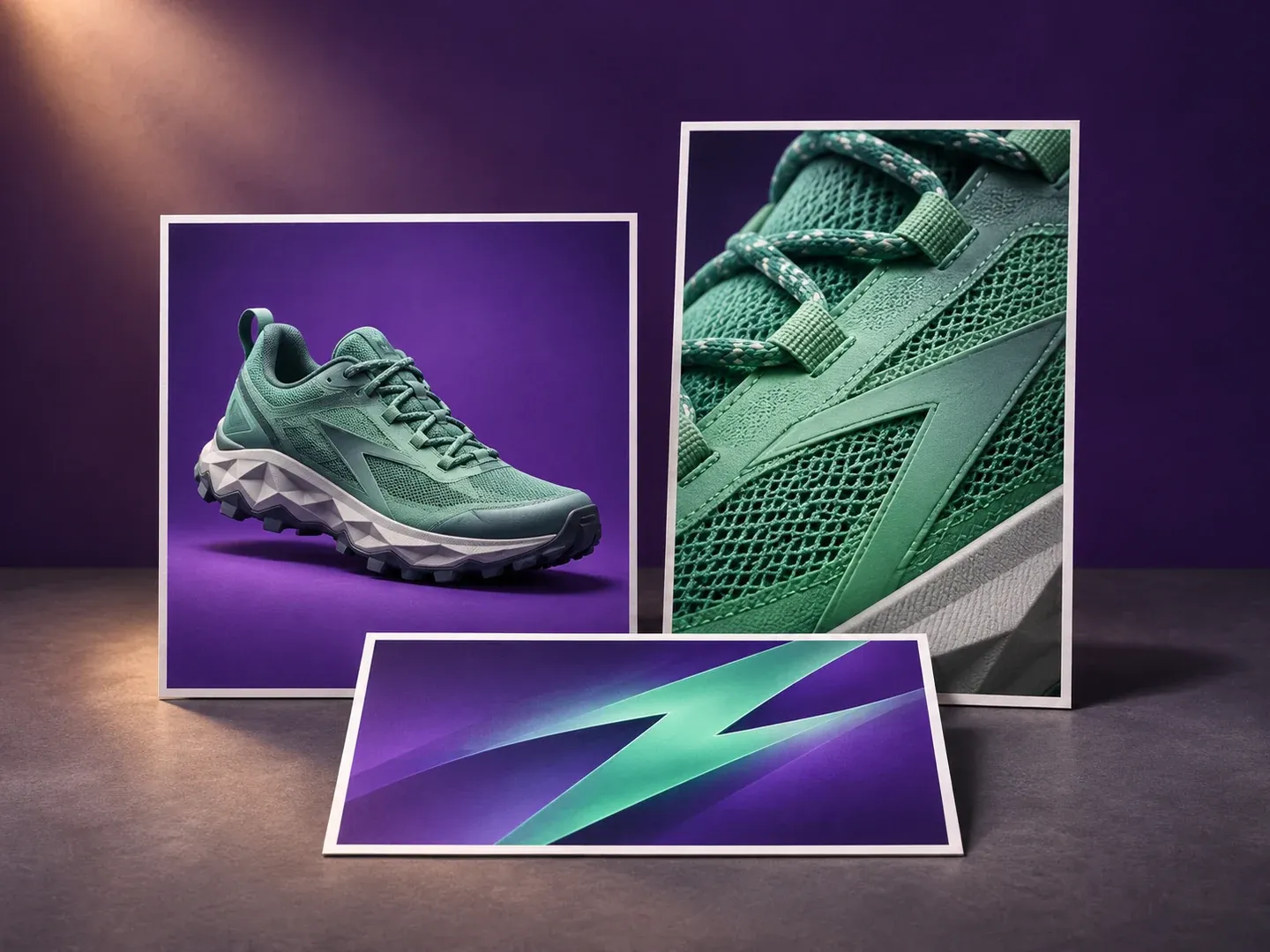
Swap the product photo or rewrite the headline while keeping the rest of your layout in place.
Try the layer demo
Ad Studio
Design image ads and short video ads in your browser with AdsInPublic Ad Studio. Start with a template, then animate, resize, and export your creative. The editor is free to use without an account.


Edit the layout, set the timing, and check each crop before export.
Swap the product photo or rewrite the headline while keeping the rest of your layout in place.
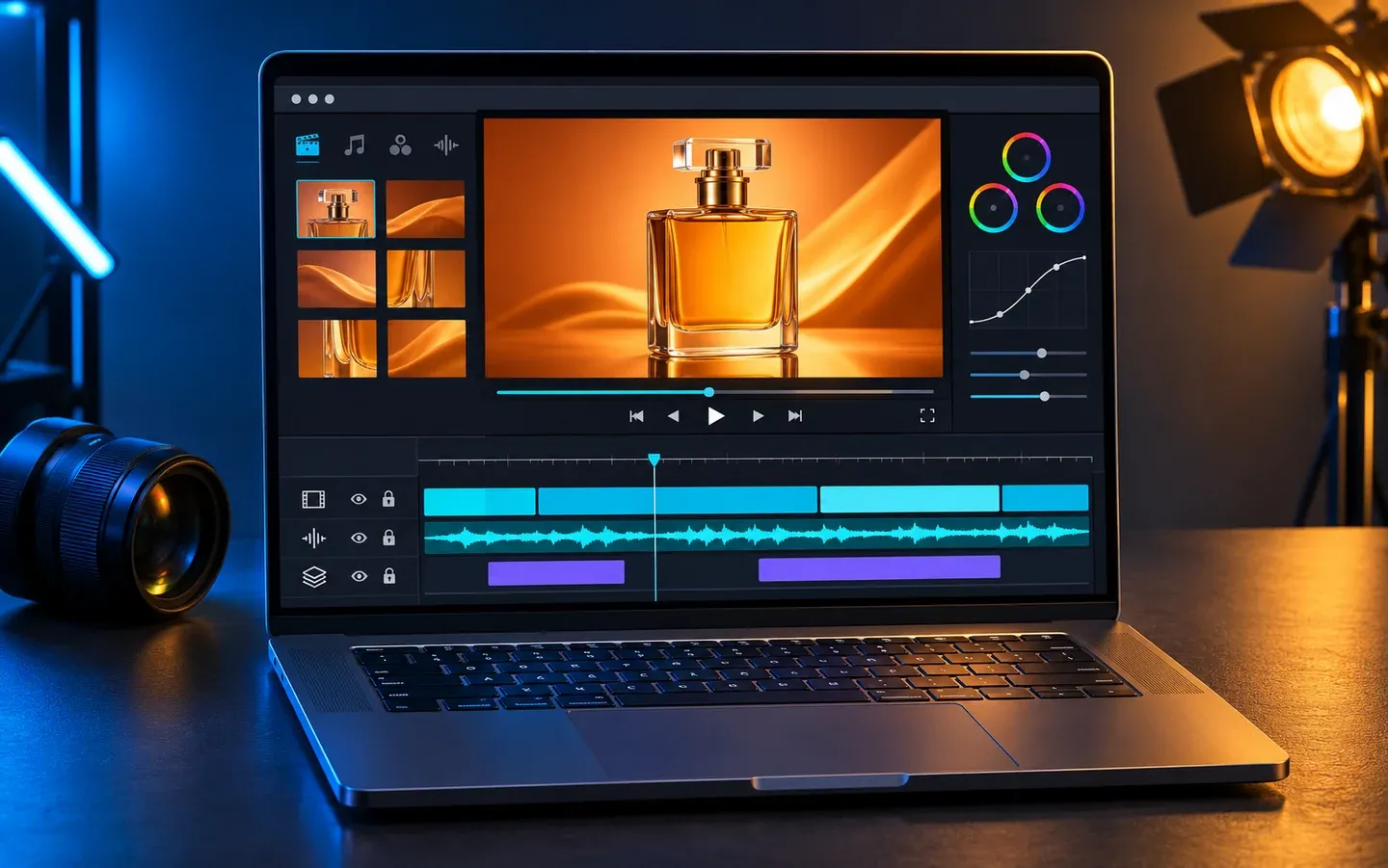
Try the layer demoAnimate a layer with keyframes, time the call to action, or add a voiceover on the timeline.
Explore audio toolsCheck your layout at each size, then export a single design or download the set as a ZIP.
Preview ad sizesTurn layers on and off to see what each one adds. Open the template to swap in your own photo, headline, and offer.
Open the skincare template
Choose what you want the ad to do, then make the layout your own.
Switch between ad sizes to see how the same creative fits each canvas.
Open Campaign sizes and pick the formats you need.
Reflow the template, fit the entire design, or fill the canvas and crop the edges.
Review the headline and call to action at each size, then save editable versions or download a ZIP.

Prepare a photo, polish the copy, or add sound from the editor.
Bring in a photo, remove its background, adjust the crop, or build a collage.
Add an offer, headline, or caption on its own editable layer.
Upload audio or generate a voiceover on your device with Kokoro.
Draft a concept or generate artwork with your own provider key.
Reopen a draft, start with your brand settings, or pull in media you’ve already added to Ad Studio.
Choose Export in Ad Studio to download your finished ad or save an editable copy.
Download a still ad for a feed, story, or banner. Choose PNG or WebP for a transparent background.
Record one page or the entire project with motion and audio. Available formats depend on your browser.
Keep the layers, media, and timing together in a file you can import back into Studio.
.adstudio.jsonDownload your pages and their placement variants together in a ZIP.
Plan the campaign, make the creative, and decide what to test when it goes live.
Need help with a project? Contact us.
You can design, animate, resize, and export in your browser without an account. Optional cloud generation uses your own supported provider key. On-device tools such as Kokoro voiceover run after you download the model.
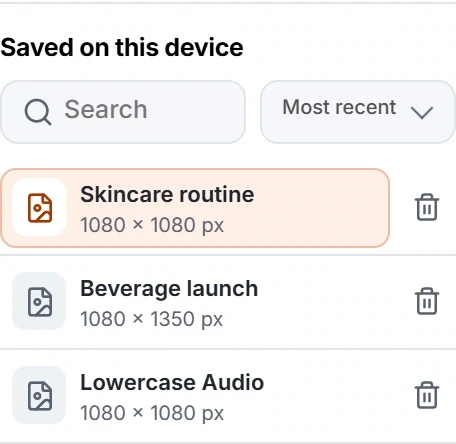
Ad Studio autosaves your projects in this browser. Download an editable project file to keep a backup or continue on another device.
Export still images as PNG, JPEG, or WebP. Download multiple images as a ZIP, save an editable project file, or record an ad as WebM or MP4 where your browser supports it.
Export the finished creative from Studio, then upload it to the platform where you want the ad to run.
Get practical ad tips and Ad Studio updates by email.